Table of Contents
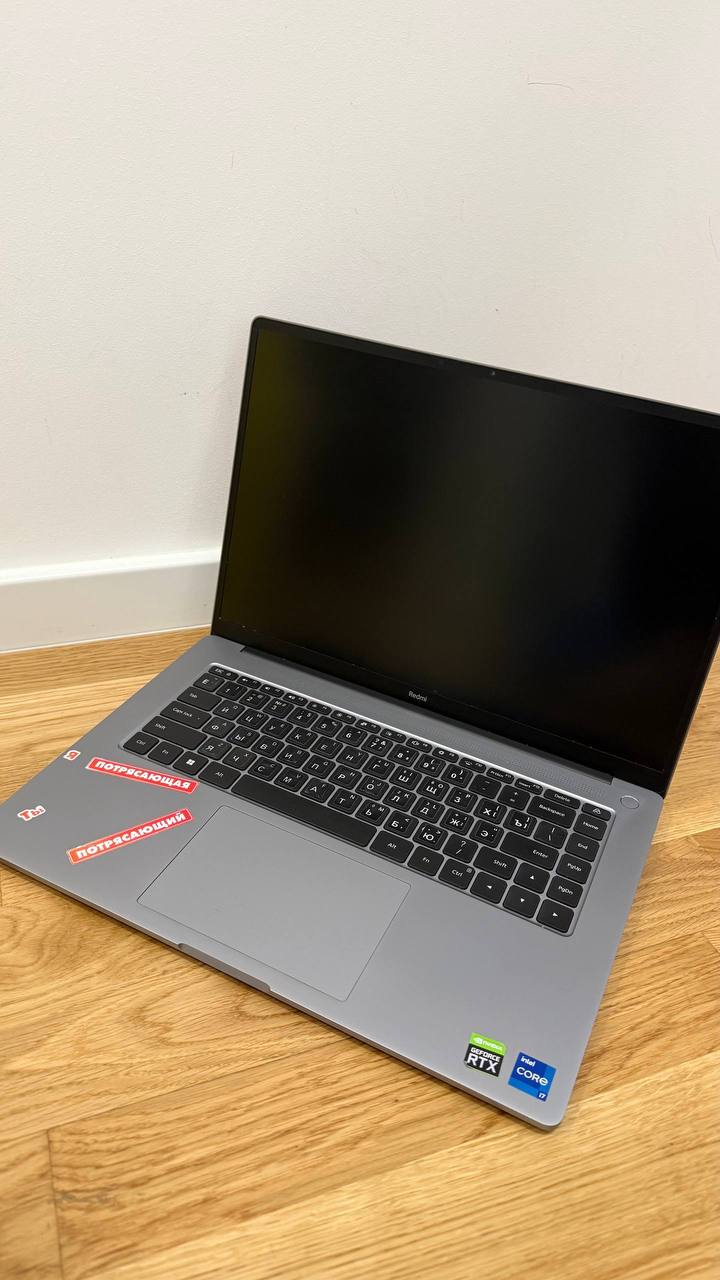
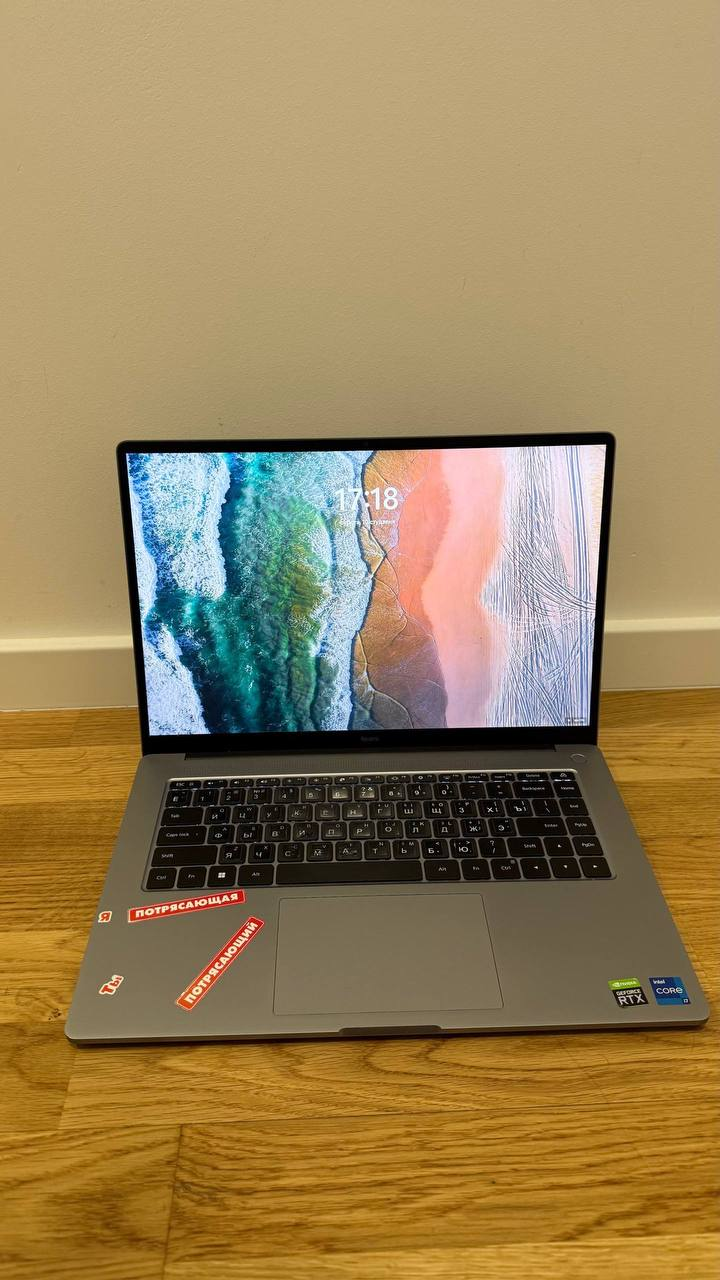
I bought the Xiaomi Redmibook Pro 15 2022 Intel with i7 12650h and 2050. For 250 eur that I got it for it’s an insane steal. Granted the ram is soldered, however with current prices I ain’t upgrading this shit. The laptop is in decent enough condition, it was covered in some retarded stickers when I bought it; it also came with ugly russian stickers on the keyboard as seen below:
Windows
Just works™ didn’t actually just work this time. Windows refuses to work without drivers and said drivers are not on the international website of Xiaomi. That is probably due to the fact that the laptop was primarily available in China. I have eventually found all of the drivers here. I have not tried anything other then ltsc, so it can just work™ on normal versions I suppose.
Linux
CachyOS does, surprisingly, just work™. It auto-loads all the necessary drivers except the fingerprint reader one. The laptop uses and fpc sensor, specifically the L:0001 FW:021.26.2.031. There are drivers for it here supposedly, however after a day of testing and breaking greetd, I decided to just not bother with it. The rest of everything works completely fine, out of the box with the following setup:
- CachyOS with No Desktop selected and shell configuration unchecked
- Dank Material Shell specifically with Niri
- EnvyControl for the dGPU control
- Default power-profile-daemon for power management
Hardware
- Display: 3200×2000, 90 Hz
- Cpu: i7-12650H 4.70 GHz
- Gpu: rtx 2050 4gb
- Ram: 16 GB LPDDR5
- Ssd: Samsung evo 970 250 gb

Find me on: GitHub